
Turn your portrait into a collectible character.
Use an adult portrait as the identity reference. Describe the outfit, materials and display style for a full-body 3D figurine that feels personal.
Make my figurine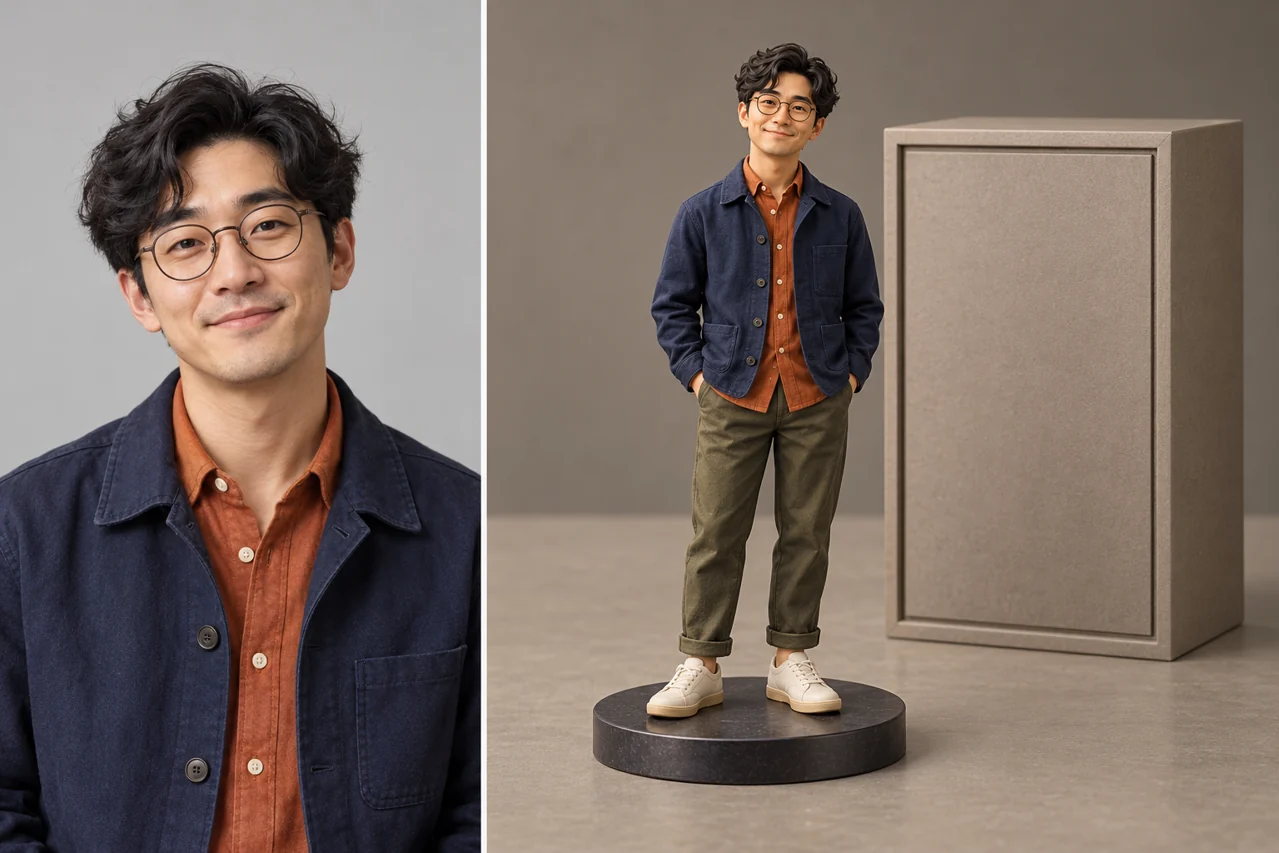
Turn a portrait into a character, a sketch into a space, or an idea into a world. Explore distinct creative directions and prepare your next image in one workspace.
Start creatingPick a world, a photograph, an illustration or an advertisement. Every example starts a different brief.
Explore a visual direction and make the prompt your own. Selecting an example does not spend credits.
Watch the collection move from right to left. Hover or focus any image to pause and take a closer look.
Bring a portrait, a pet photo, a room sketch or an original logo. Start with a specific transformation, tell the model what to preserve, and shape a result for your own project.
Open the generatorWhat it does
Three transformations worth starting with your own photo or sketch.
Use an adult portrait as the identity reference. Describe the outfit, materials and display style for a full-body 3D figurine that feels personal.
Make my figurineExplore an elegant adult fashion editorial. Define the gown, styling, expression and city-night lighting while naming the facial features you want to keep.
Create a fashion portrait
Bring a perspective sketch and specify the materials, furniture and light. Keep the main arrangement while exploring a finished interior concept.
Render my room sketch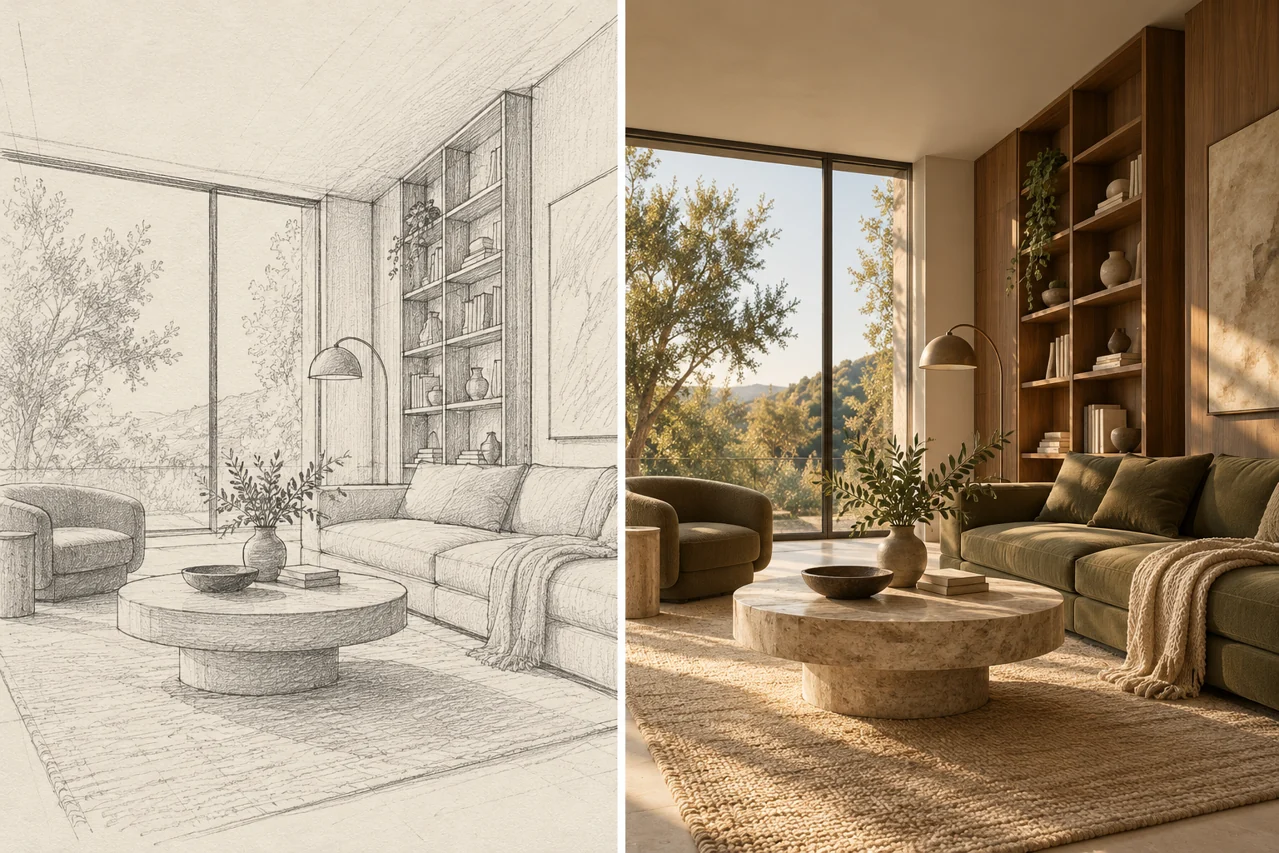
Describe the idea, add references, choose your settings, and review the result.
Start with the subject, then add the setting, lighting and style. Put exact words in quotes and say where they belong.
Switch to Image to image and choose your photos. Name each reference in the prompt so the model knows what to preserve.
Choose an available model and output shape. Review the live status and credit quote before submitting your request.
Inspect the finished image beside your prompt. Check faces, product details and spelling, then download or continue editing.
Compare creative directions, then check the selected model’s supported settings and quote in the generator.
| Best for | Seedream 5.5 Seedream 5.5 Image creation and reference editing Read the model guide | Seedream 5.0 Pro Detailed design and complex layouts Read the model guide | Seedream 5.0 Lite Reasoning-led image creation Read the model guide | Seedream 4.5 Reference detail and typography Read the model guide |
|---|---|---|---|---|
| Best for | Explore portraits, materials and visual concepts with a clear brief. | Explore information-rich compositions and precise editing briefs. | Explore a scene through context, relationships and reference details. | Explore reference-based editing and poster composition. |
| Reference limit | Check model settings | 10 | Check model settings | Check model settings |
| Credits per image | Quote before generating | 8 | Quote before generating | Quote before generating |
| Resolution | Check model settings | Provider default | Check model settings | Check model settings |
Start with the task: a reference portrait, a material study, an edit or a text-heavy layout. Compare supported settings and review the actual quote before submitting.
Explore the Seedream familyA pet becomes a character. A character becomes a story. A flat mark becomes a material.
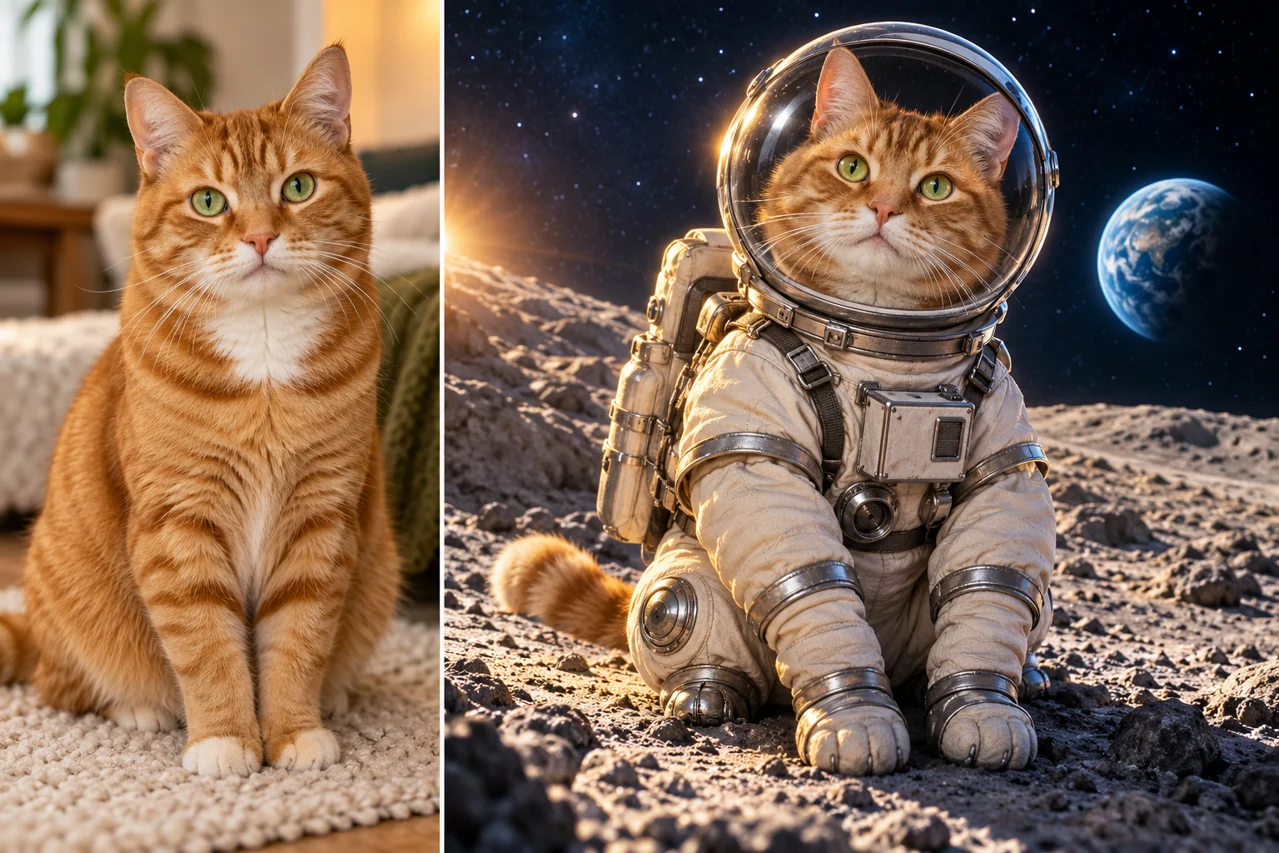
Keep the markings and expression that make your pet recognizable, then describe a new costume and world.
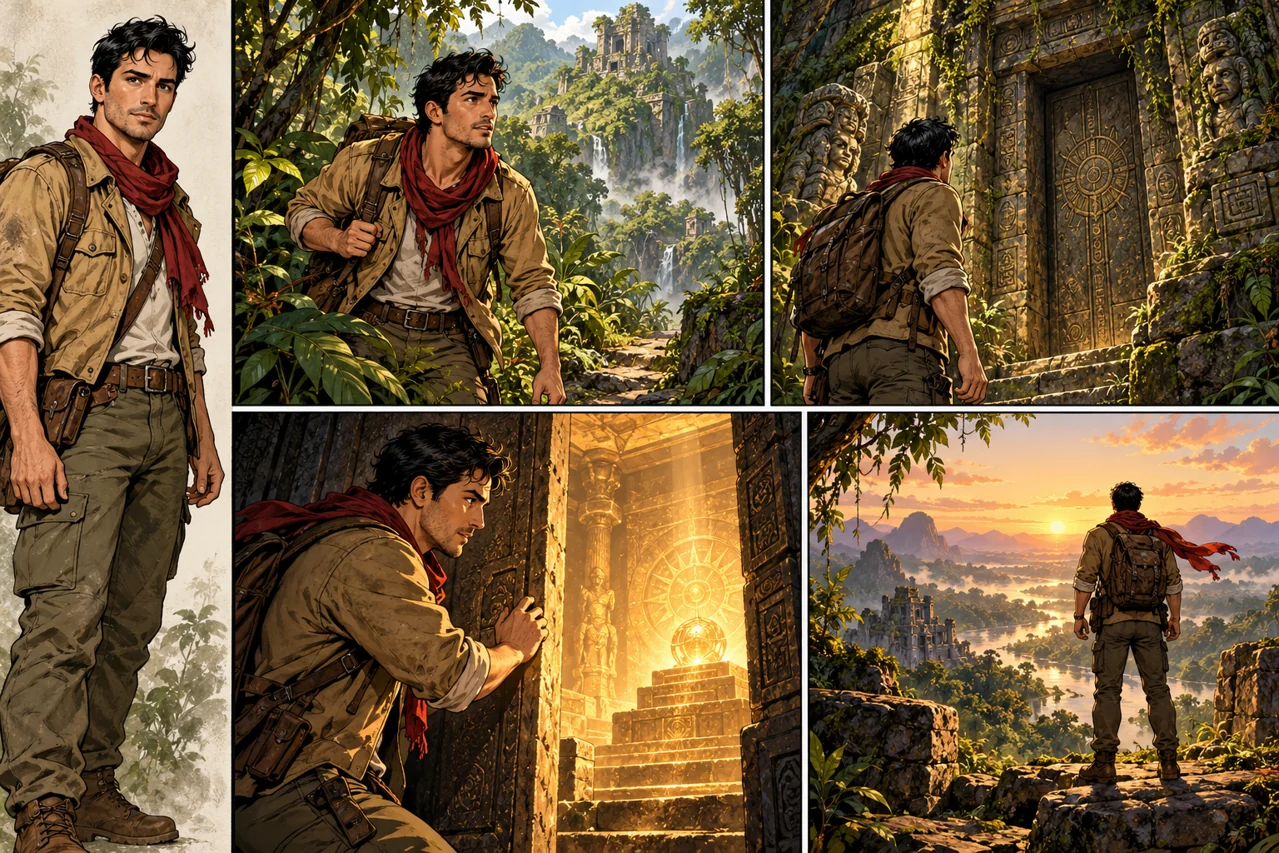
Choose a character reference and four connected moments. Name the face, outfit and details to carry through the sequence.
Explore embossed metal and debossed leather while preserving the geometry of your original mark.
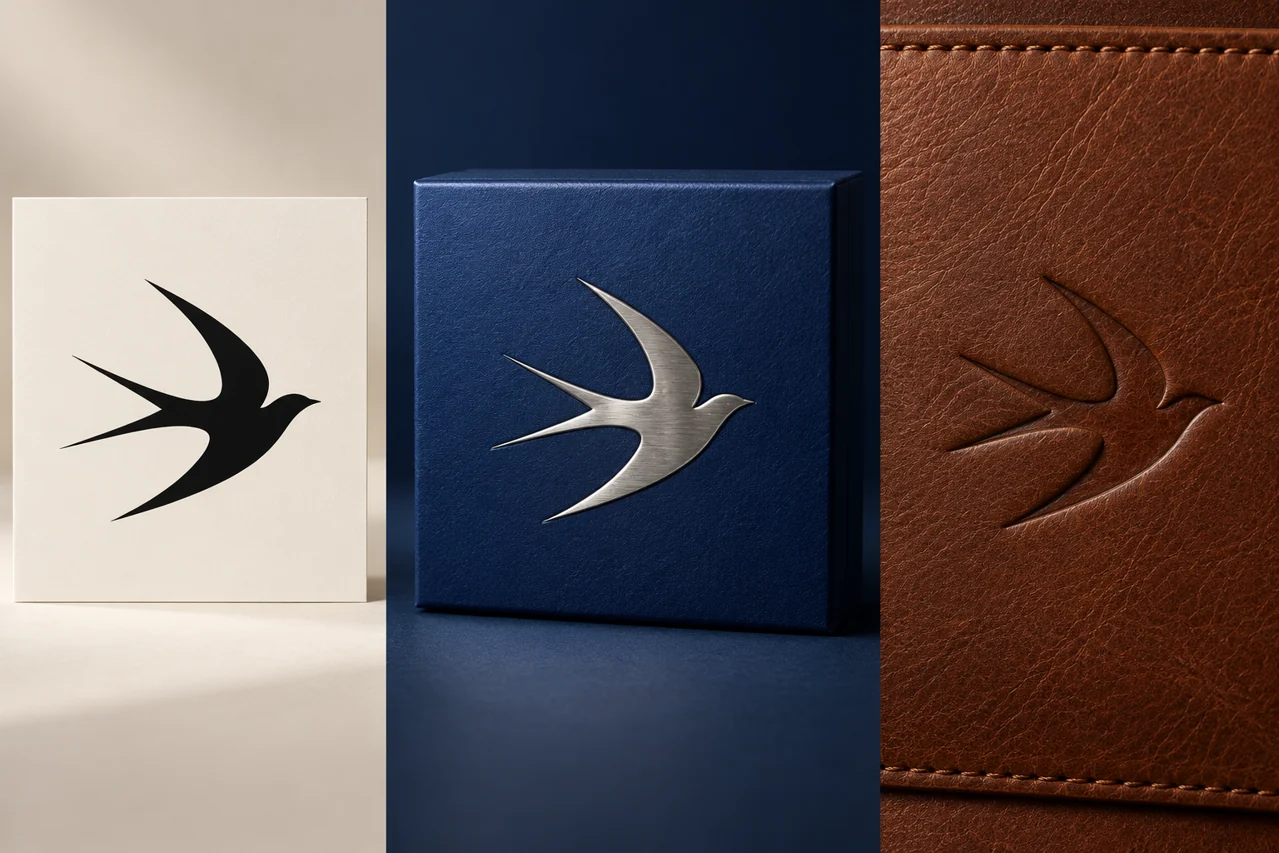
Prepare exact wording and a clear reading order for English and Chinese event posters. Inspect each version at its final size.

A jewelry campaign, a tattoo idea, a novel cover or a new season for a favorite place.

Plan gemstone reflections, metal texture and a setting that gives the product room to stand out.

Use your original design and an adult placement reference to explore scale, alignment and the feel of the motif.
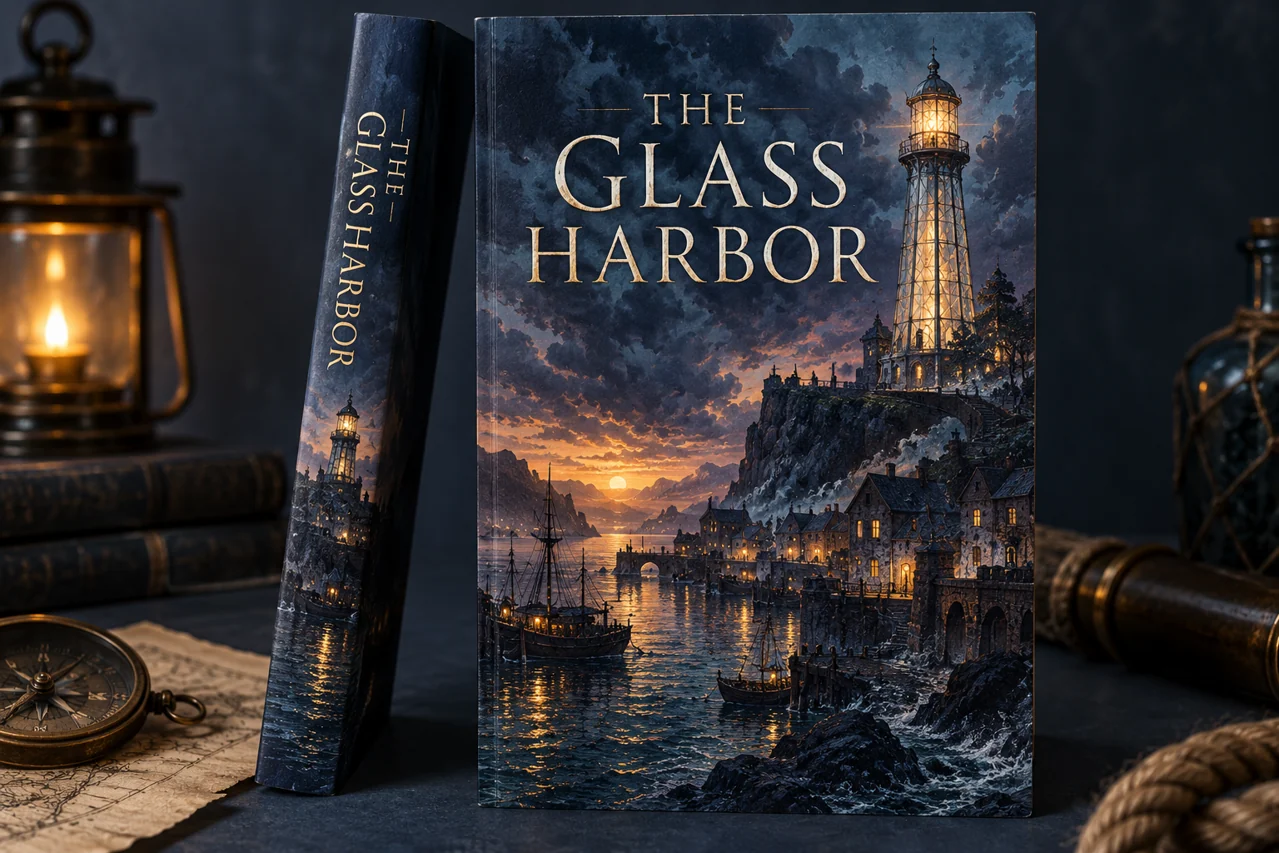
Describe the setting and mood, specify the book title and leave space for a clear reading hierarchy.
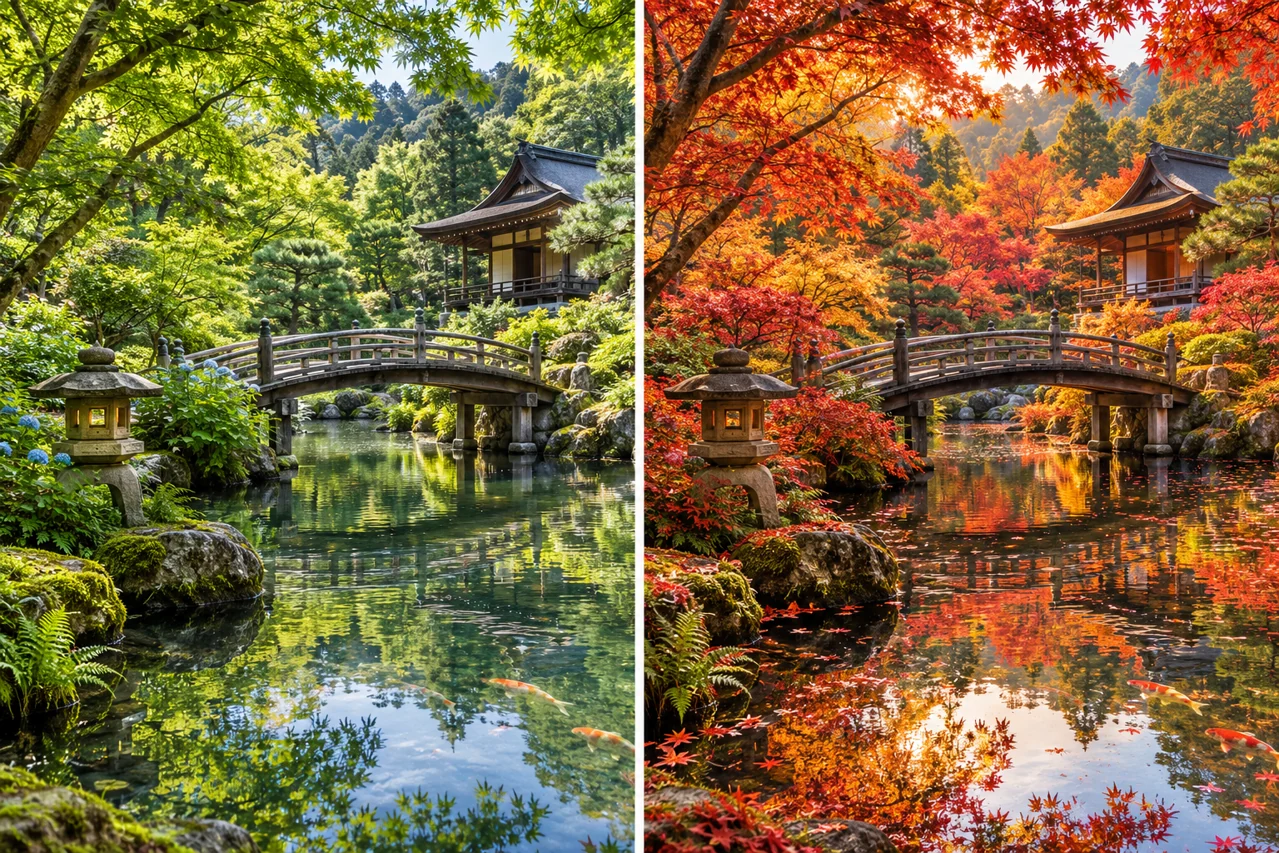
Keep the viewpoint and architecture of a travel photo while exploring autumn foliage and a different light.
Choose a monthly plan or one-time credit pack. Pay securely with Stripe and use your credits in the generator.
Credits fund generation and editing tasks. Model, settings and output count determine the quote; a balance does not guarantee a fixed number of finished images. Review validity and renewal terms before checkout. Refund Policy · Manage or cancel renewal
A useful image starts with a clear brief. State the subject, composition, lighting and exact wording; for edits, separate what should change from what should remain. This is an independent Seedream 5.5 workspace. The selected model and live quote identify each submitted task.
ByteDance Seed: model directory · Seedream 5.0 Pro: official introduction · Seedream 5.0 Lite: official introduction · Seedream 4.5: official overview
Write a prompt or choose a creative direction, add references when needed, and review the selected model and quote. Sign in to submit an available generation task.
Check the live quote for the selected model, operation and output settings. The website does not promise unlimited free generation.
Other models keep their original names and settings. A request is sent only to the model selected for that task; an older model is not relabeled as Seedream 5.5.
Put the exact words in quotes, describe their position and use a clear reading order. Review spelling and alignment in the result.
Choose reference editing when the selected model supports it, upload authorized images and state what to change and preserve. Supported limits appear with the actual model.
Check the task status and error message. Provider failures follow the existing credit-reversal workflow. A completed image that needs creative changes is a separate case.
Explore prompts, prepare a reference and bring your next visual brief into the workspace.
Start creating