
连续编辑
字节 Seed 将每一轮结果传给下一轮,演示了连续 100 轮的编辑。实际工作时建议保留旧版本,每轮只改一项并核对保留区域。
字节跳动 Seed 团队于 2026 年 11 月 9 日发布 Seedream 5.5,重点改进连续编辑、原生 RGBA 输出、小字和材质表现。可参考下方示例编写创作简报,在 Seedream55ai 工作台尝试。
进入工作台字节 Seed 将每一轮结果传给下一轮,演示了连续 100 轮的编辑。实际工作时建议保留旧版本,每轮只改一项并核对保留区域。
发布的模型支持完全透明和半透明。下载 PNG 后可以换几种背景观察边缘,也可以检查像素的 alpha 通道。
字节 Seed 报告称中英文密集文字表现有所提升。请用引号写出准确文案,分清标题、副标题和小字,并按最终尺寸校对。
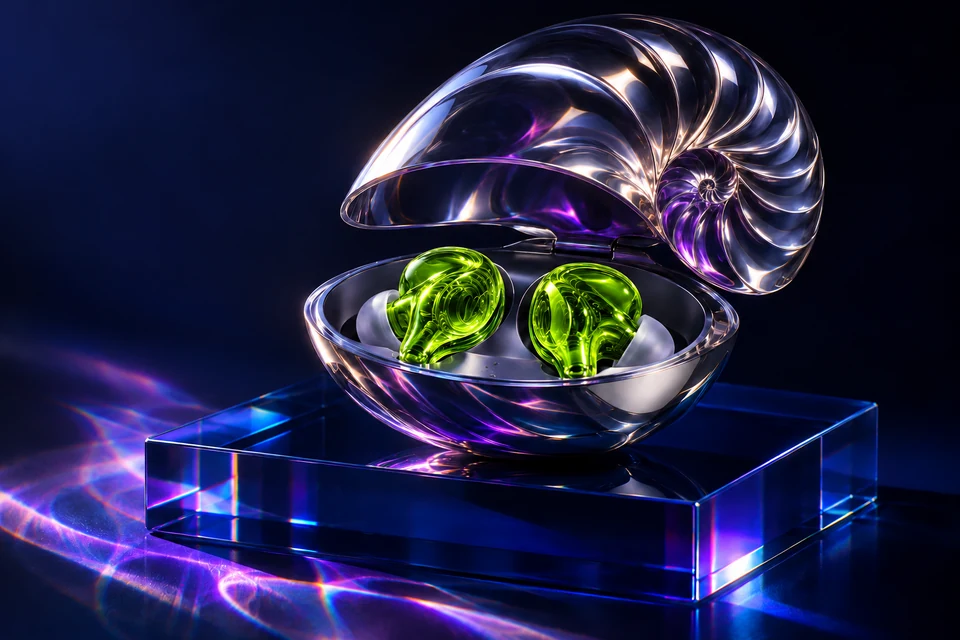
创作示例
此编辑示例使用 OpenAI ImageGen 制作,可用于观察边缘和复现工作流程。
Change: turn only the ultraviolet earbud shells into acid-green glass. Keep: the chrome nautilus case, blue plinth, positions, camera angle and lighting outside the earbuds.
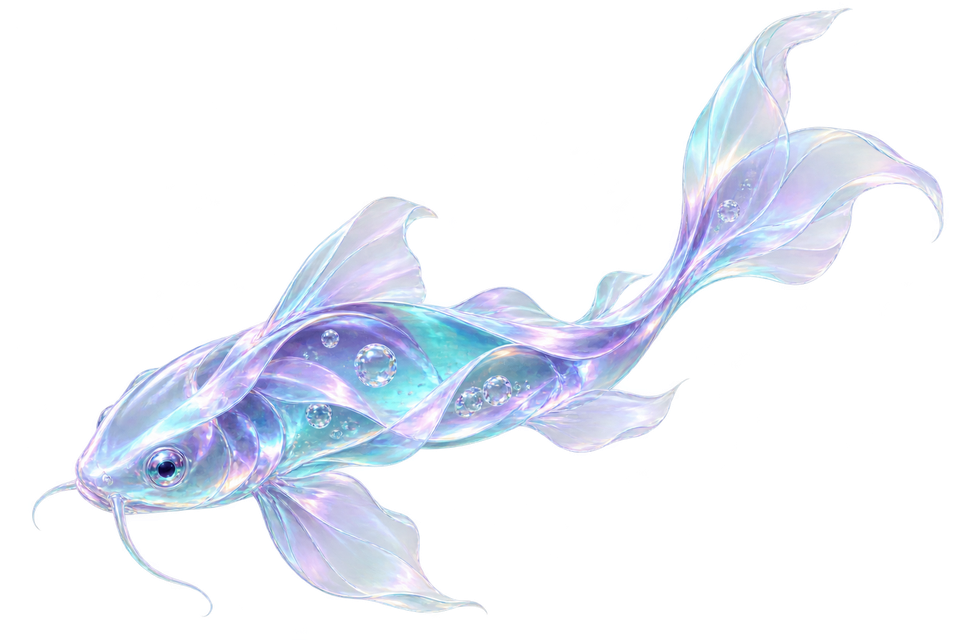
创作示例
此编辑示例使用 OpenAI ImageGen 制作,可用于观察边缘和复现工作流程。
An isolated liquid-glass koi made of folded aqua and violet optical ribbons. Keep the fin edges translucent, show the tiny bubbles inside the glass, and leave room around the full silhouette. Transparent background.

创作示例
此编辑示例使用 OpenAI ImageGen 制作,可用于观察边缘和复现工作流程。
Design a vermilion and cobalt risograph poster on uncoated paper, with an archival photo of a field microphone. Headline: "LISTEN TO THE CITY". Subtitle: "FIELD RECORDING ARCHIVE". Small footer: "21 NOV • 19:30 • HALL 04". Keep the footer legible.